
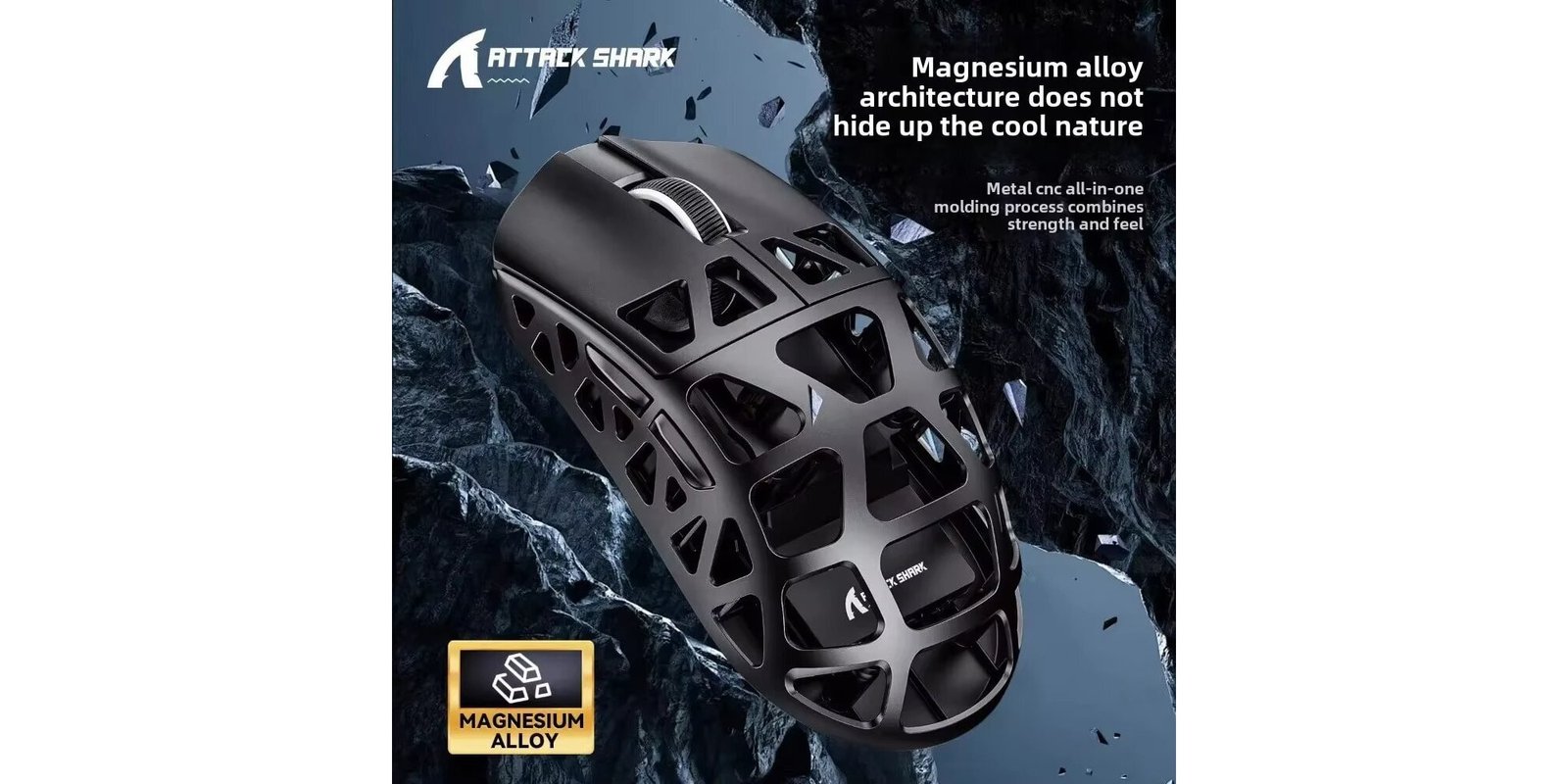
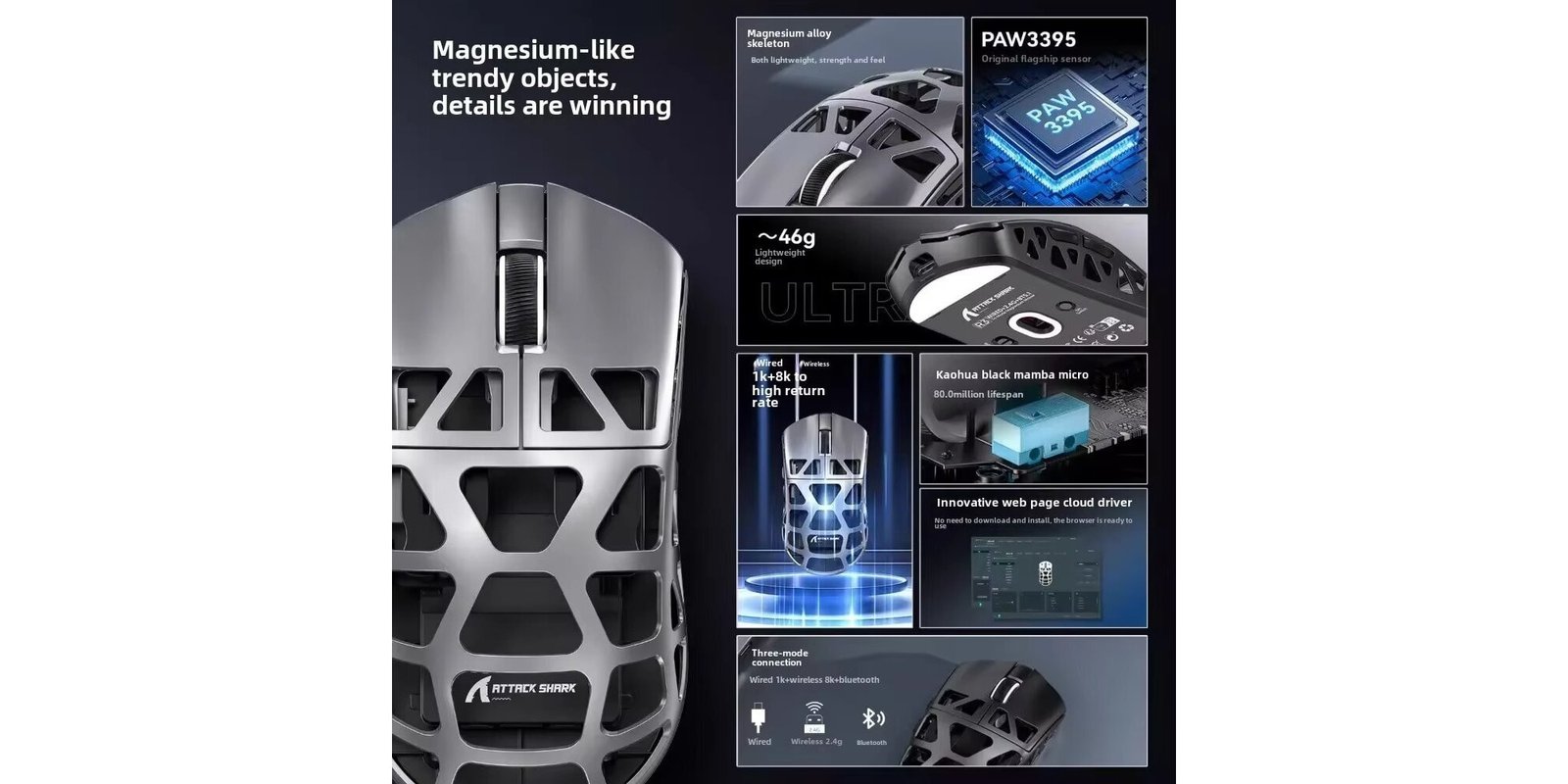

The Attack Shark R3 is a premium, ultra-lightweight wireless gaming mouse crafted from magnesium alloy, featuring the high-end PixArt PAW3395 sensor with up to 26,000 DPI and a blazing 8KHz return rate. Designed for competitive gamers, it offers tri-mode connectivity (2.4GHz, Bluetooth, Wired), exceptional precision, and a sleek ergonomic build weighing just 46g, making it perfect for marathon gaming sessions.
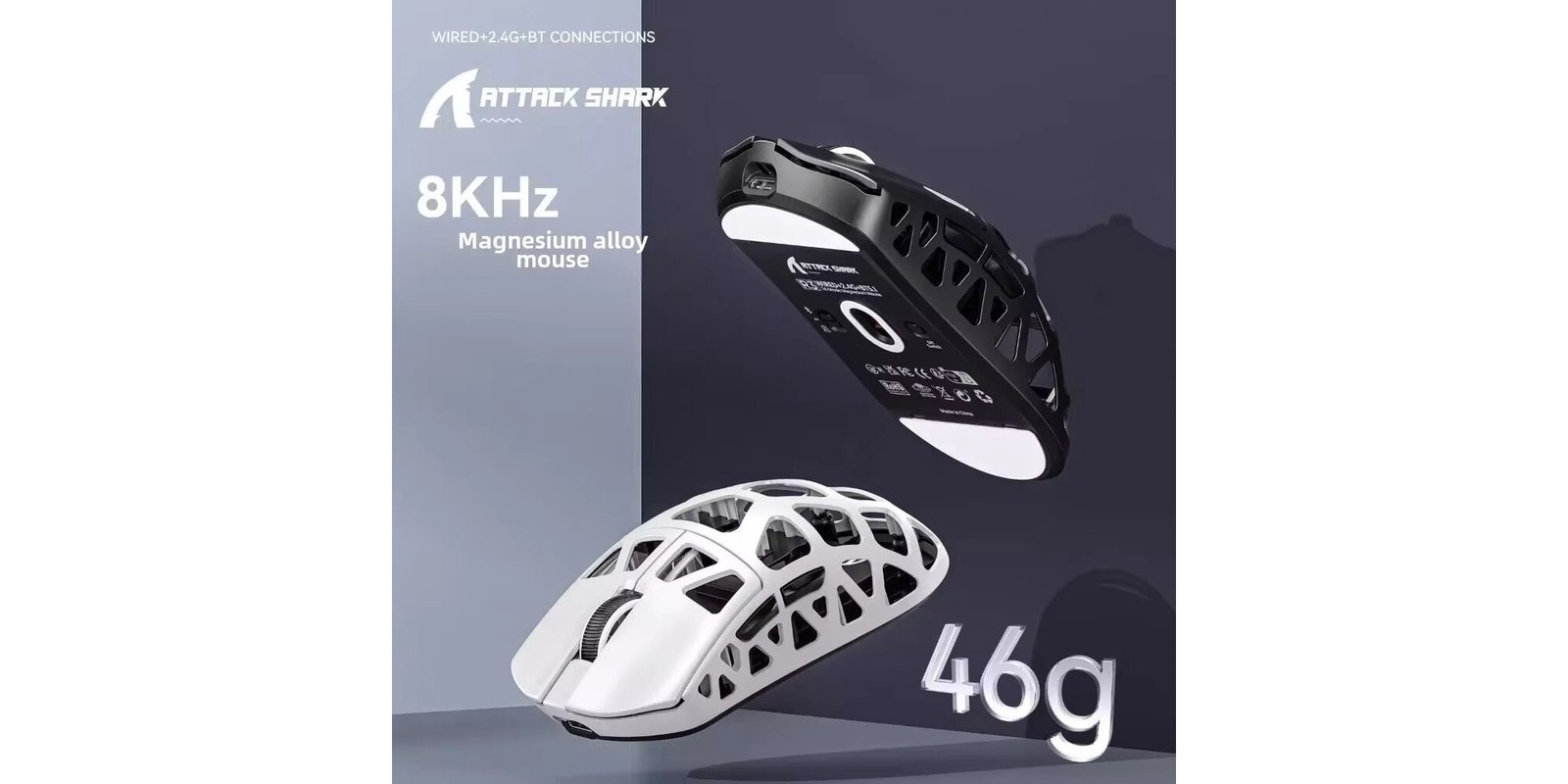
If you’re looking for a competitive gaming mouse under $50, the Attack Shark R3 is hard to ignore. A 46g magnesium alloy body, PAW3395 sensor, and 8KHz polling rate — specs you’d normally pay $100+ for. But does it actually deliver? Let’s break it down.
Attack Shark R3 Review: Quick Verdict
The Attack Shark R3 is one of the best value gaming mice available right now. You get a PAW3395 sensor, 8KHz polling rate, tri-mode connectivity, and a 46g magnesium alloy build — all under $49. The main trade-offs are no RGB lighting and only 5 buttons. If those don’t bother you, this mouse is exceptional value.
Best for: Competitive FPS gamers, claw and palm grip users, budget buyers who want flagship specs
Not ideal for: MMO players, RGB enthusiasts
👉 Check Current Price on AliExpress → AliExpress
Attack Shark R3 Specs
| Spec | Details |
|---|---|
| Sensor | PixArt PAW3395 |
| Weight | 46g |
| Polling Rate | 8000Hz (8KHz) |
| Max DPI | 26,000 |
| Tracking Speed | 650 IPS |
| Acceleration | 50G |
| Connectivity | 2.4GHz + Bluetooth + Wired |
| Switches | Kailh GM 8.0 |
| Battery | USB-C rechargeable |
| Buttons | 5 programmable |
| Hand Orientation | Both hands |
| Material | Magnesium alloy |
Design and Build Quality
The R3 weighs just 46g thanks to its magnesium alloy construction — the same material used in premium mice costing three times as much. The hollowed-out design reduces weight while improving airflow, keeping your grip cool during intense sessions. The build feels solid with zero flex or wobble. Buttons don’t rattle, the scroll wheel has satisfying tactile feedback, and the matte finish resists fingerprints well.
The shape works for both right and left-handed users with palm and claw grip. Weight distribution is well-balanced, making extended gaming sessions comfortable without fatigue.
Performance and Sensor
The PAW3395 is the same sensor found in flagship mice from Razer and Logitech. Tracking is flawless — accurate, smooth, and free of acceleration issues. Combined with Kailh GM 8.0 switches rated for 80 million clicks, every input feels crisp and reliable.
The 8KHz Polling Rate — Does It Matter?
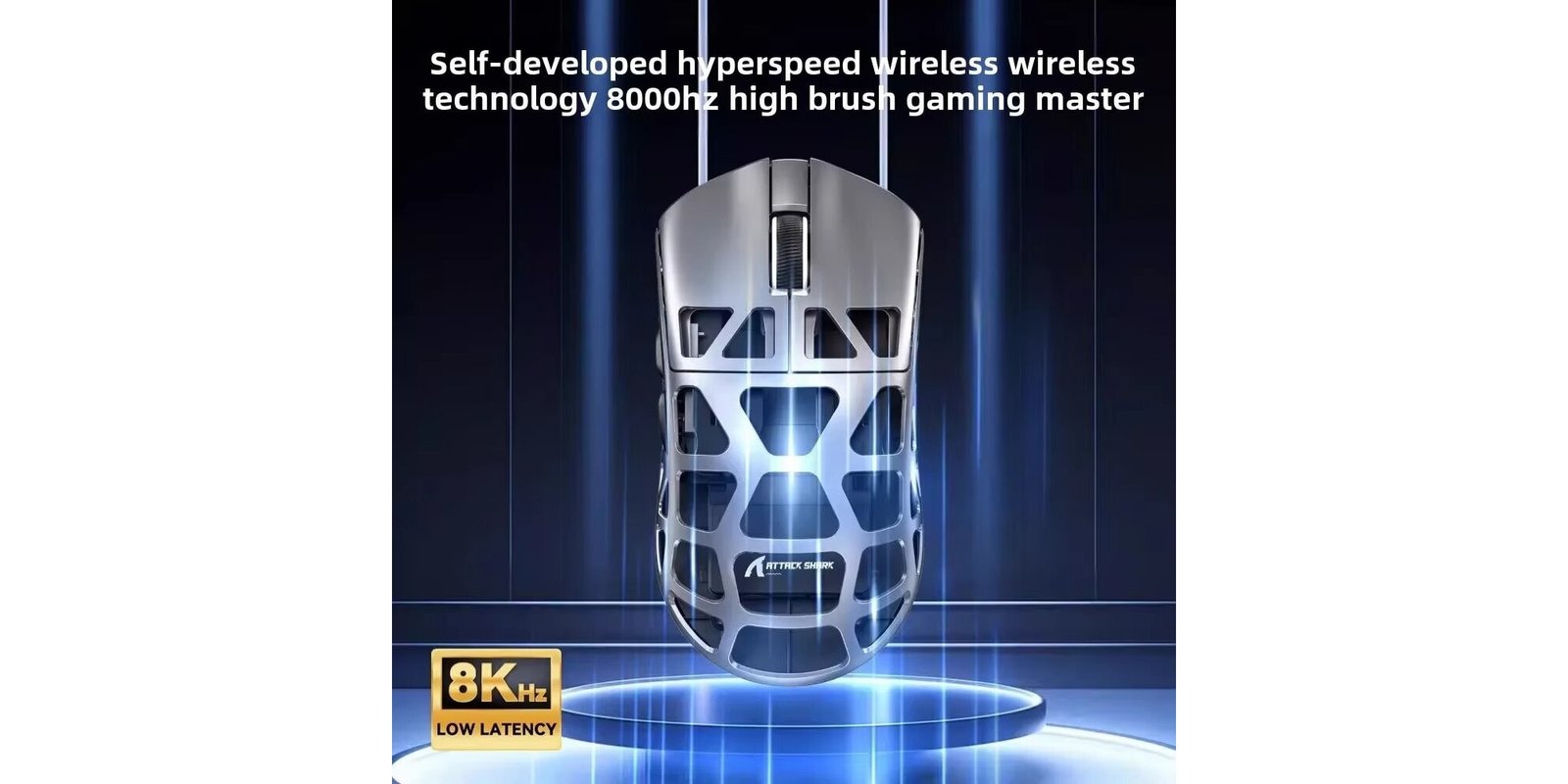
Standard gaming mice run at 1000Hz. The R3 runs at 8000Hz in wireless mode, reporting position to your computer 8 times faster than standard mice.
For casual gamers, 1000Hz is fine. But if you play competitive FPS at 240fps+, 8KHz reduces micro-stuttering noticeably. Pro players in Valorant and CS2 have started adopting high polling rate mice for exactly this reason. At this price, it’s a real advantage that’s hard to find elsewhere.
Connectivity and Latency
The R3 supports tri-mode connectivity — 2.4GHz wireless, Bluetooth, and wired USB. The 2.4GHz connection is rock solid with no perceptible latency. Bluetooth drops polling rate to 1000Hz but is useful for switching to a laptop. Wired mode gives zero latency and continuous power without needing to recharge.
The 10-meter wireless range ensures smooth performance without signal drops.
Battery Life
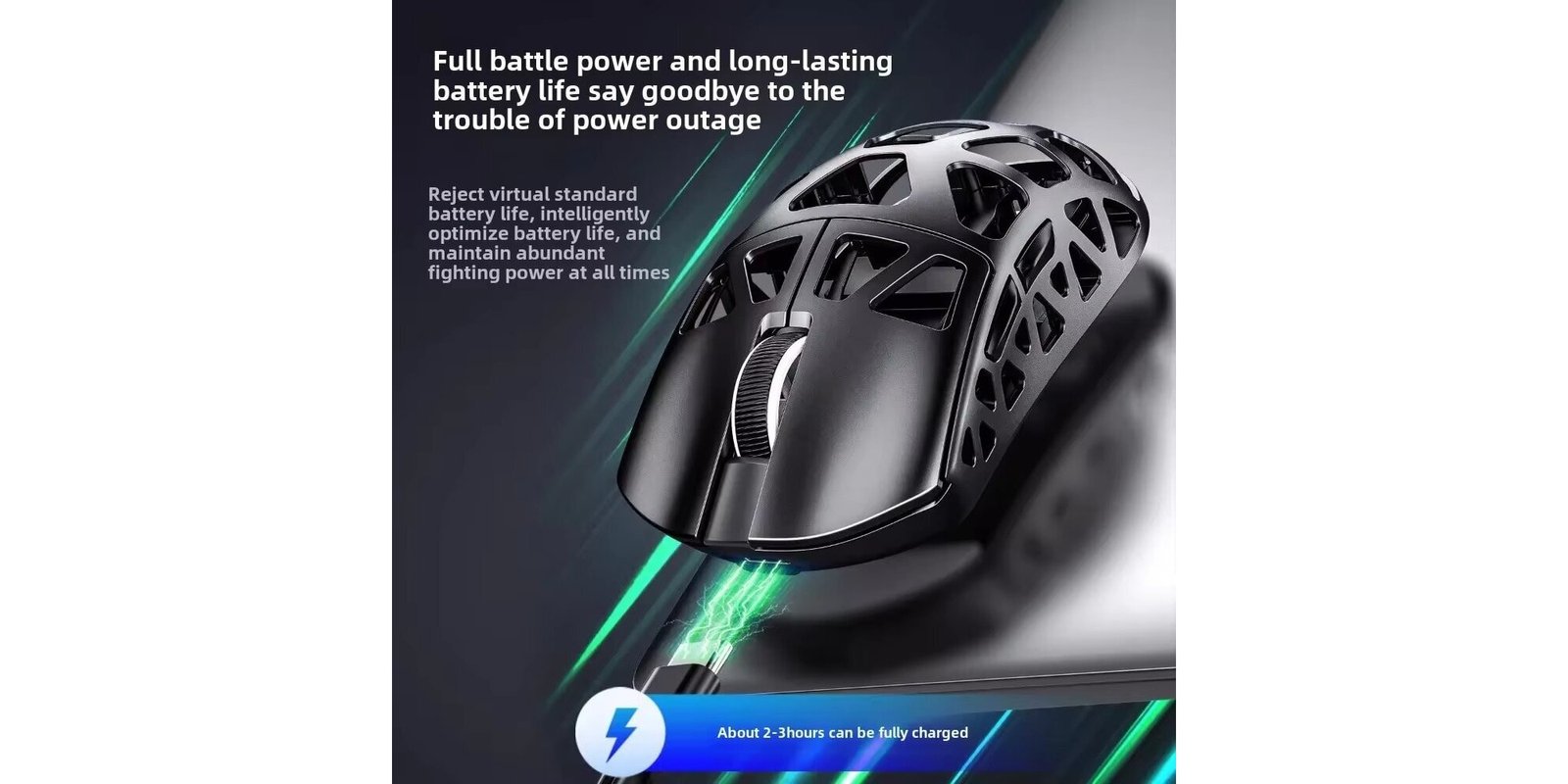
The R3 offers several days of gaming on a single charge. With 8KHz enabled expect 40–50 hours per charge. Switching to 1000Hz extends this significantly. USB-C charging takes about 1.5 hours, and you can use the mouse while charging — zero downtime.
Pros and Cons
Pros:
- Ultra-lightweight 46g magnesium alloy body
- PAW3395 sensor — same as flagship mice
- 8KHz polling rate in wireless mode
- Tri-mode: 2.4GHz + Bluetooth + Wired
- Kailh GM 8.0 switches (80M clicks)
- Works for both hands
- USB-C charging while in use
- Excellent price-to-performance ratio
Cons:
- No RGB lighting
- Only 5 buttons — not ideal for MMO
- High polling rate drains battery faster
- AliExpress shipping: 2–4 weeks
Attack Shark R3 vs Competitors
| Feature | Attack Shark R3 | VXE Dragonfly R1 Pro Max | ATK Z1 Pro Max |
|---|---|---|---|
| Price | ~$49 | ~$29 | ~$56 |
| Sensor | PAW3395 | PAW3395 | PAW3950 |
| Weight | 46g | 59g | ~65g |
| Polling Rate | 8KHz | 2KHz | 8KHz |
| Material | Magnesium alloy | Plastic | Plastic |
The R3 wins on polling rate and build material. If you want a lighter mouse at a lower price, check our VXE Dragonfly R1 Pro Max review.
Who Should Buy It?
Buy it if:
- You play Valorant, CS2, Apex Legends, or Overwatch
- You want 8KHz polling without paying $150+
- You prefer magnesium alloy over plastic
- You want a mouse that works for both hands
Skip it if:
- You need RGB lighting
- You play MMO games needing more than 5 buttons
- You need fast delivery
Final Rating
| Category | Score |
|---|---|
| Design & Build | 4.5/5 |
| Performance | 4.7/5 |
| Build Quality | 4.5/5 |
| Battery Life | 4.2/5 |
| Value for Money | 4.3/5 |
| Overall | 4.4/5 |
The Attack Shark R3 delivers flagship sensor performance and 8KHz polling in a 46g magnesium body — best competitive mouse under $50 in 2026.
👉 Check Current Price on AliExpress → AliExpress
Frequently Asked Questions
Is the Attack Shark R3 good for FPS games?
Yes. The PAW3395 sensor and 8KHz polling rate make it one of the best budget options for competitive FPS gaming.
Does it support Mac?
Yes. Bluetooth and 2.4GHz both work on macOS without drivers.
Can I use it while charging?
Yes. USB-C allows full use while charging — zero downtime.
Is it good for both hands?
Yes. Unlike many gaming mice, the R3 supports both right and left-handed users.
Is the Attack Shark R3 worth it?
At ~$49, absolutely. PAW3395 sensor and 8KHz polling in a 46g magnesium body — flagship performance at budget pricing.
Disclosure: This page contains affiliate links. If you purchase through our links, we may earn a small commission at no extra cost to you.
 English