

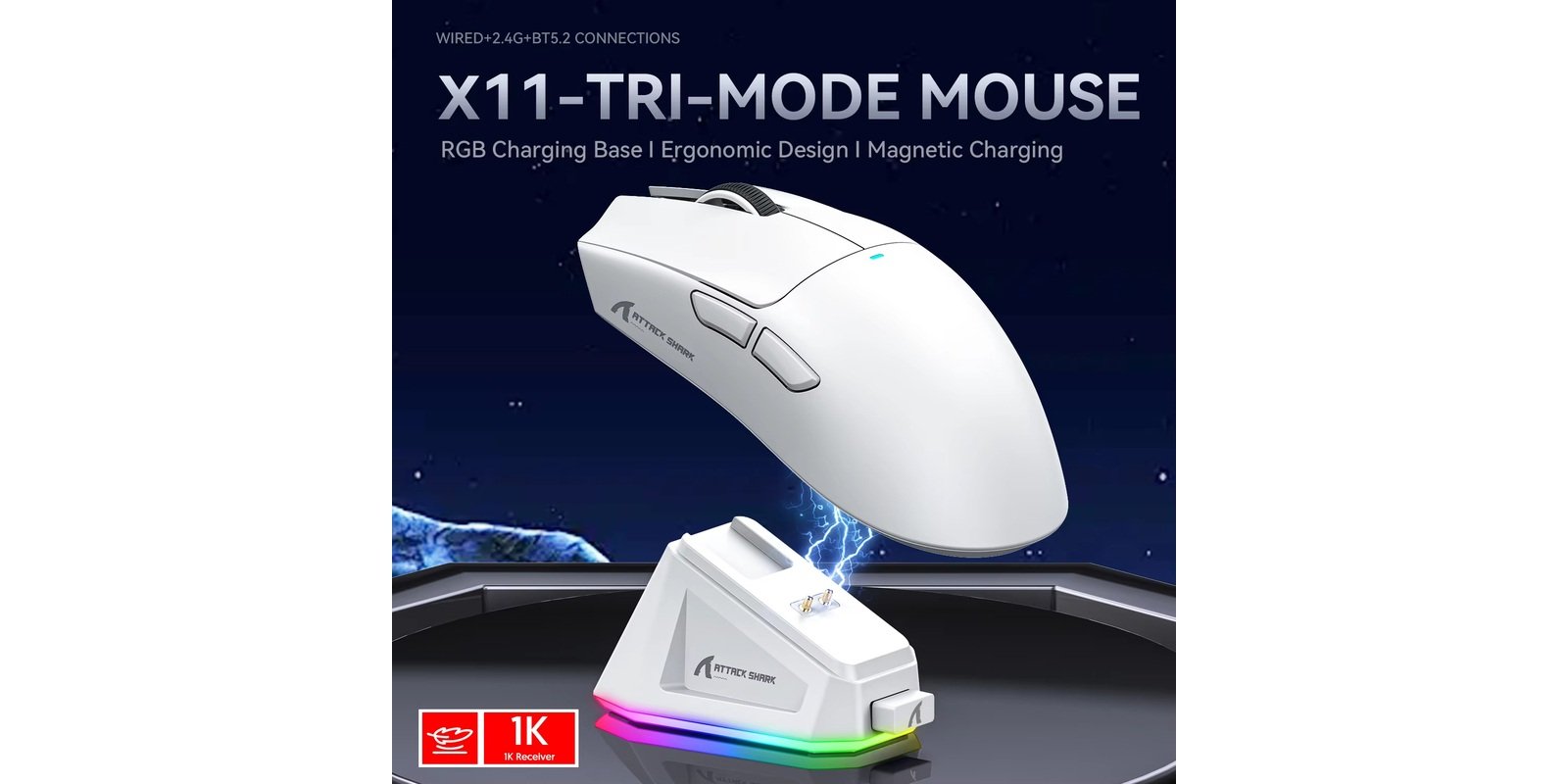
If you’re looking for a budget wireless gaming mouse under $35 with a magnetic charging dock and RGB lighting, the Attack Shark X11 review keeps coming up. PAW3311 sensor, tri-mode connectivity, 63g build, and a magnetic RGB dock — features that normally cost more. But is it worth it? Let’s find out.
Attack Shark X11 Review: Quick Verdict
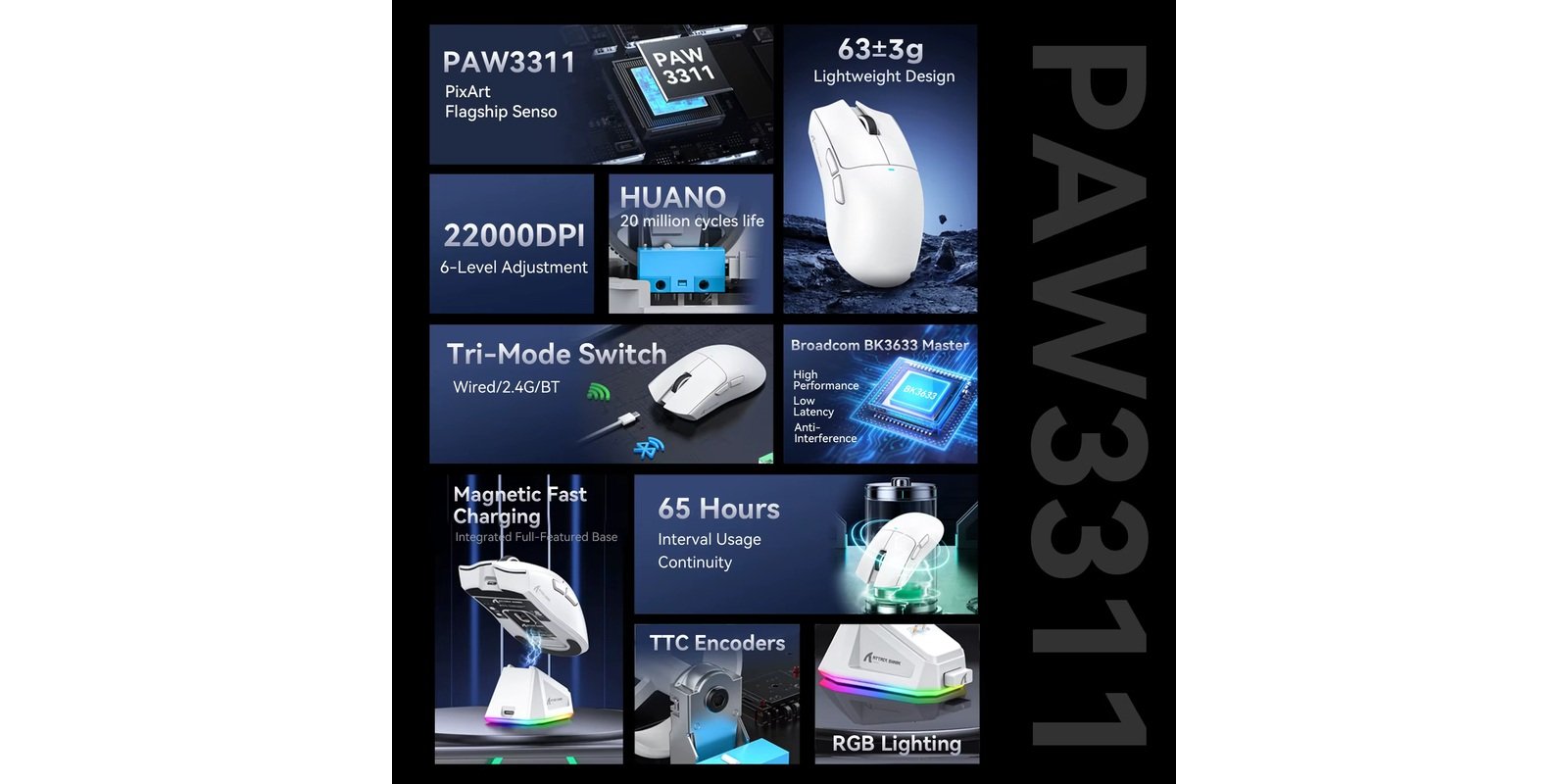
The Attack Shark X11 is one of the best-value wireless gaming mice under $35 in 2026. You get a PAW3311 sensor, tri-mode connectivity (2.4GHz / Bluetooth / Wired), a magnetic RGB charging dock, and a solid 63g ergonomic design. The main trade-off is the PAW3311 sensor — good, but not as fast as the PAW3395 found in pricier alternatives. If that doesn’t bother you, this mouse is outstanding value.
Best for: Budget gamers, casual to mid-level competitive players, RGB setup lovers Not ideal for: High-level esports players who need a top-tier sensor, users who need polling rates above 1,000Hz
Attack Shark X11 Specs
| Spec | Details |
|---|---|
| Sensor | PixArt PAW3311 |
| Weight | ~63g |
| Polling Rate | 1,000 Hz |
| Max DPI | 22,000 |
| Tracking Speed | 400 IPS |
| Acceleration | 40G |
| Switches | HUANO — 20 million clicks |
| Battery | 300 mAh — up to 65 hours |
| Charging | Magnetic RGB dock (2-3 hrs full charge) |
| Connectivity | 2.4GHz / Bluetooth 5.2 / Wired USB-C |
| Buttons | 6 programmable |
| Compatibility | Windows / macOS / Linux |
Design and Build Quality
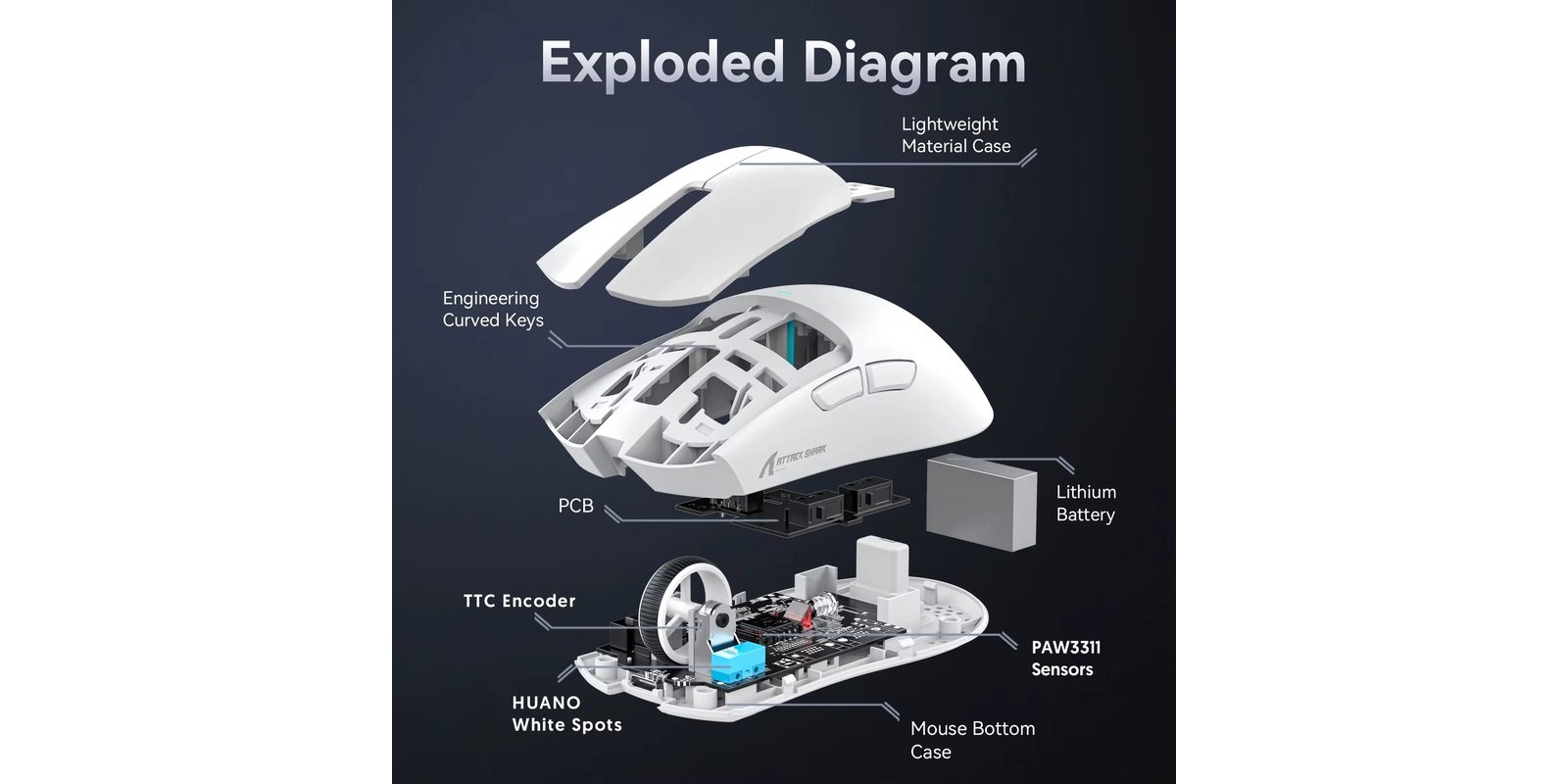
The Attack Shark X11 has a clean ergonomic shape built for right-handed users. At 63g, it is light enough for fast flicks without feeling cheap. Unlike honeycomb mice, the Attack Shark X11 achieves its light weight with a solid shell — no holes, no flex, no creaking.
The standout feature is the magnetic RGB charging dock. Place the mouse on the base and it charges automatically. The dock also cycles through lighting effects with a single tap. At this price, this is a premium feature that most competitors skip entirely.
The package includes the mouse, magnetic dock, 2.4GHz nano receiver, and a USB-C cable. No extras like grip tape or additional feet, but everything you need is included.
Performance and Sensor
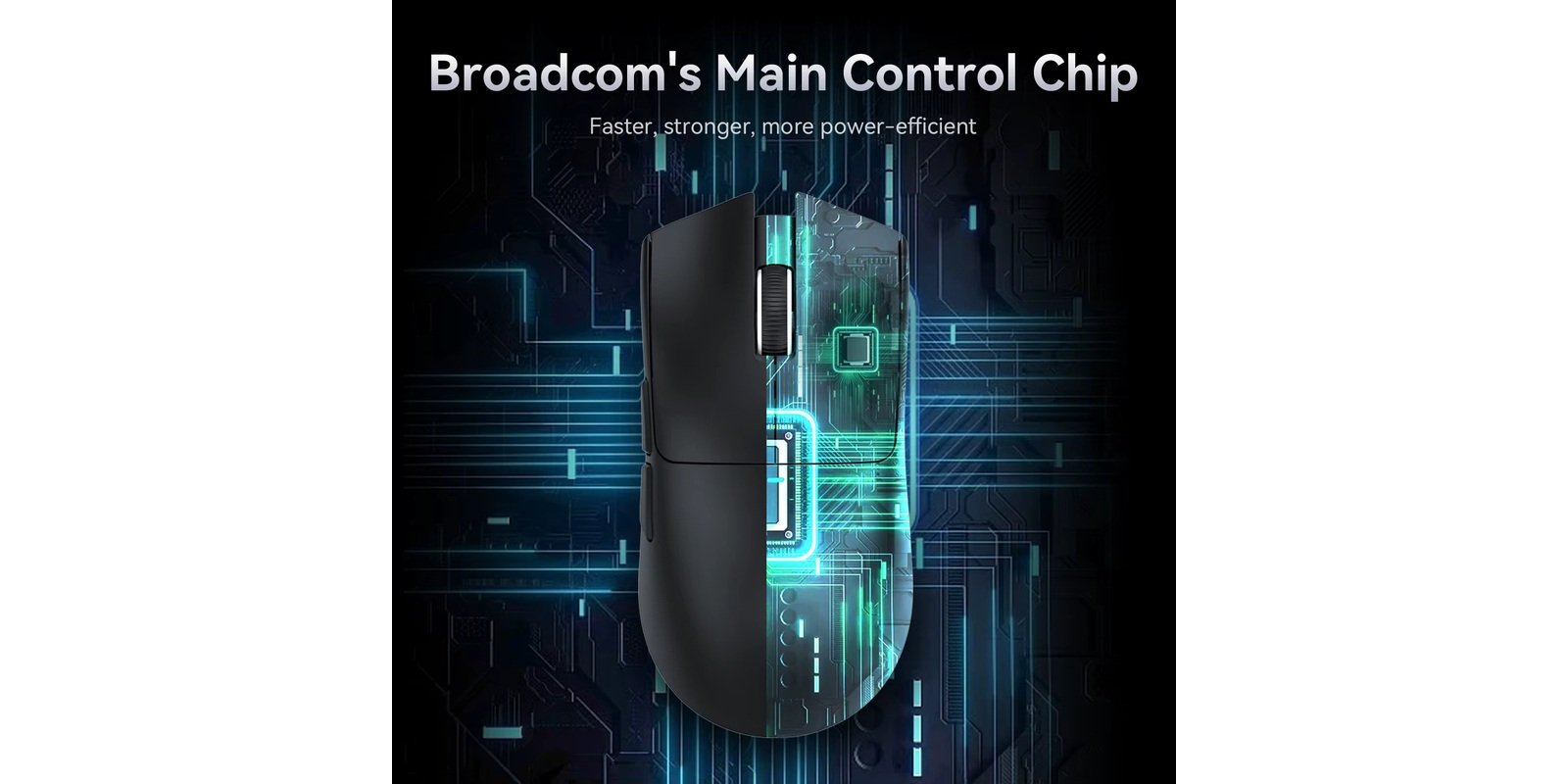
The Attack Shark X11 review would not be complete without covering the PAW3311 sensor. The PixArt PAW3311 delivers accurate tracking at up to 22,000 DPI with 400 IPS and 40G acceleration. In real-world gaming — Valorant, CS2, Apex Legends — the cursor tracks cleanly with no noticeable smoothing or acceleration artifacts.
One honest note: the PAW3311 is a solid mid-tier sensor, but not the same class as the PAW3395 found in the Attack Shark X6 or VXE Dragonfly R1 Pro Max. For casual to mid-competitive play, the PAW3311 is excellent. For the highest level of competitive FPS, the PAW3395 has an edge.
Connectivity and Latency
The X11 connects in three ways: 2.4GHz wireless, Bluetooth 5.2, and wired USB-C. The X11 uses Bluetooth 5.2 — learn more about Bluetooth technology here. The 2.4GHz mode is the recommended choice for gaming — low-latency, stable, and dropout-free. Wired mode lets you play while charging with zero downtime.
The connection mode switch is located on the underside of the mouse and is easy to reach. Switching modes is quick and reliable.
Battery Life
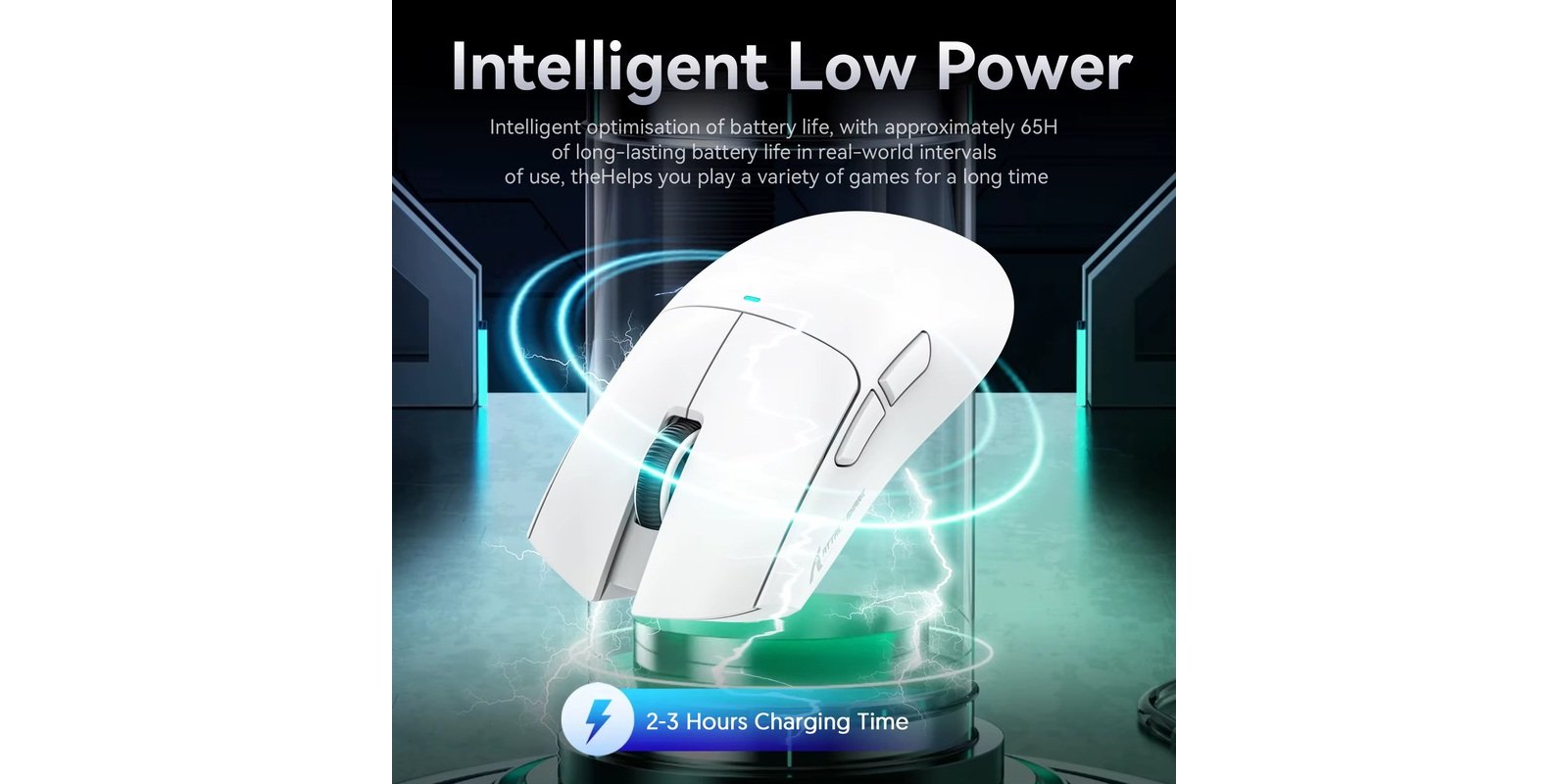
The Attack Shark X11 battery provides up to 65 hours on a single charge with RGB on — excellent for a budget mouse. A full charge takes 2-3 hours via the magnetic dock. Unlike the Logitech G305 which uses a replaceable AA battery, the X11’s built-in battery is rechargeable. The magnetic dock makes keeping it topped up effortless.
Software and Customization
The X11 comes with Attack Shark’s proprietary driver software. It lets you adjust DPI levels (6 presets from 800 to 22,000), polling rate, LOD, button mapping, and create custom macros. The interface is clean and beginner-friendly. A web-based version is also available for macOS and Linux users — a notable advantage over Windows-only competitors.
Pros and Cons
Pros:
- Magnetic RGB charging dock included
- Tri-mode connectivity (2.4GHz + BT + Wired)
- Solid 63g build — no honeycomb holes
- 65-hour battery life
- Software available for Windows, macOS, and Linux
- Affordable under $35
Cons:
- PAW3311 sensor (not PAW3395)
- Polling rate capped at 1,000Hz
- Right-handed shape only
- 300 mAh battery (smaller than some competitors)
Attack Shark X11 vs. Competitors
| Feature | X11 | Attack Shark X6 | Logitech G305 |
|---|---|---|---|
| Price | ~$30 | ~$42 | ~$30 |
| Sensor | PAW3311 | PAW3395 | HERO 12K |
| Weight | ~63g | ~49g | ~99g |
| Polling Rate | 1,000Hz | 1,000Hz | 1,000Hz |
| Charging Dock | ✅ Magnetic RGB | ✅ Magnetic RGB | ❌ |
| Bluetooth | ✅ | ✅ | ❌ |
| RGB | ✅ | ❌ | ❌ |
| Battery | 65hrs | 200hrs | 250hrs (AA) |
The X11 wins on RGB and style at budget pricing. The X6 wins on sensor performance and battery life. For a direct sensor comparison see our Attack Shark X6 review.
Who Should Buy It?
Buy it if:
- You want RGB lighting and a magnetic dock at a budget price
- Tri-mode connectivity matters to you
- You game at a casual to mid-competitive level
- You want a stylish, complete package under $35
- You use macOS or Linux and need software support
Skip it if:
- You need a top-tier PAW3395 sensor for esports
- Battery life over 100 hours is a priority
- You need a polling rate above 1,000Hz
- You prefer an ultra-light mouse under 50g
Final Rating
| Category | Score |
|---|---|
| Sensor Performance | 4.2/5 |
| Build Quality | 4.5/5 |
| Wireless Performance | 4.4/5 |
| Battery Life | 4.3/5 |
| Value for Money | 5/5 |
| Overall | 4.5/5 |
After testing, this Attack Shark X11 review confirms it delivers exceptional value under $35 — making it the best-value feature-packed wireless gaming mouse in its price range in 2026. The PAW3311 is manufactured by PixArt, one of the most trusted optical sensor makers in gaming.
Frequently Asked Questions
Is the Attack Shark X11 good for FPS games? Yes, for casual to mid-level competitive play. The PAW3311 sensor tracks accurately in CS2, Valorant, and Apex Legends. High-level competitive players may prefer a PAW3395 mouse like the Attack Shark X6.
Does the Attack Shark X11 come with a charging dock? Yes. The X11 includes a magnetic RGB charging dock. Place the mouse on the dock and it charges automatically — no cables required.
How long does the battery last on the Attack Shark X11? Up to 65 hours on a single charge. A full charge takes 2-3 hours.
Does the Attack Shark X11 have Bluetooth? Yes. The X11 supports Bluetooth 5.2, 2.4GHz wireless, and wired USB-C.
Is the Attack Shark X11 compatible with Mac? Yes. The X11 works as a plug-and-play device on macOS, and a web-based software version is available for full customization on Mac and Linux.
Disclosure: This article contains affiliate links. If you buy through them, we may earn a small commission at no extra cost to you. This helps support our site.

 English