

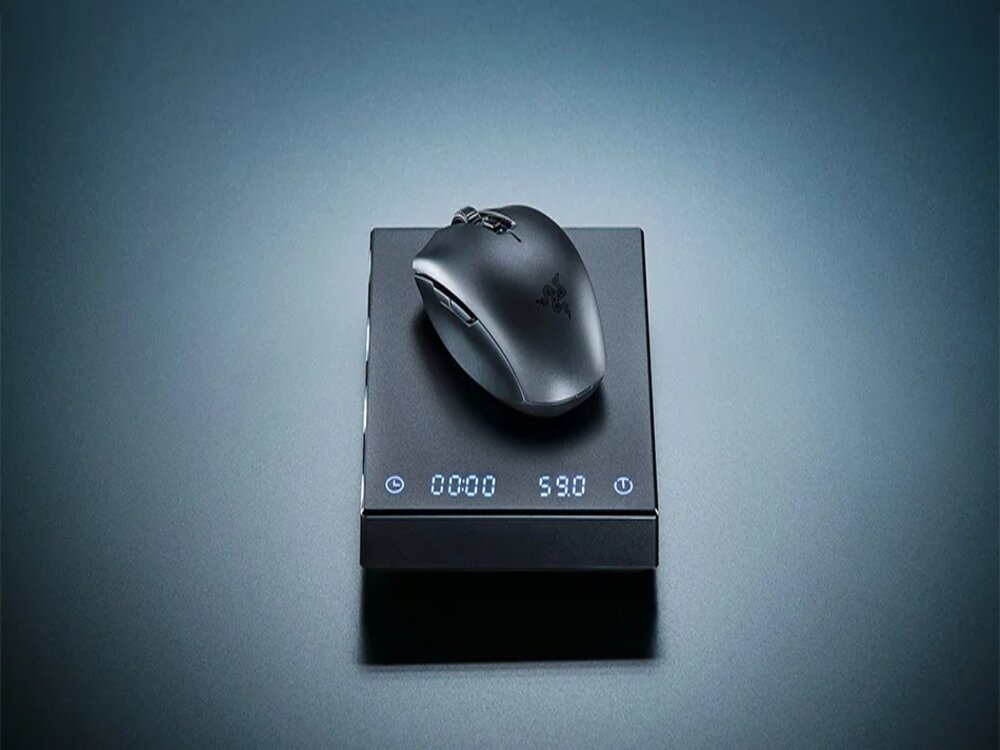
inding a reliable wireless gaming mouse under $50 used to mean compromising on sensor quality or build. Not anymore. In 2026, you can get flagship-grade performance at budget prices — if you know which mice to buy. We’ve tested three of the best options available on AliExpress right now and ranked them by value, performance, and use case.
Best Wireless Gaming Mouse Under $50 in 2026: Quick Picks
- Best Overall: Attack Shark R3 — PAW3395, 8KHz, magnesium alloy at $49
- Best Value: VXE Dragonfly R1 Pro Max — PAW3395, 2KHz, 59g at $29
- Best Battery: Attack Shark X6 — PAW3395, magnetic dock, 200h at $42
Comparison Table
| Feature | VXE Dragonfly R1 Pro Max | Attack Shark X6 | Attack Shark R3 |
|---|---|---|---|
| Price | ~$29 | ~$42 | ~$49 |
| Sensor | PAW3395 | PAW3395 | PAW3395 |
| Weight | 59g | 49g | 46g |
| Polling Rate | 2000Hz | 1000Hz | 8000Hz |
| Battery | 800mAh / USB-C | 200h / Magnetic dock | USB-C rechargeable |
| Bluetooth | ✅ Yes | ✅ Yes | ✅ Yes |
| RGB Dock | ❌ No | ✅ Yes | ❌ No |
| Build | Plastic | Plastic | Magnesium alloy |
| Hands | Right | Right | Both hands |
| Overall Rating | 4.5/5 | 4.5/5 | 4.4/5 |
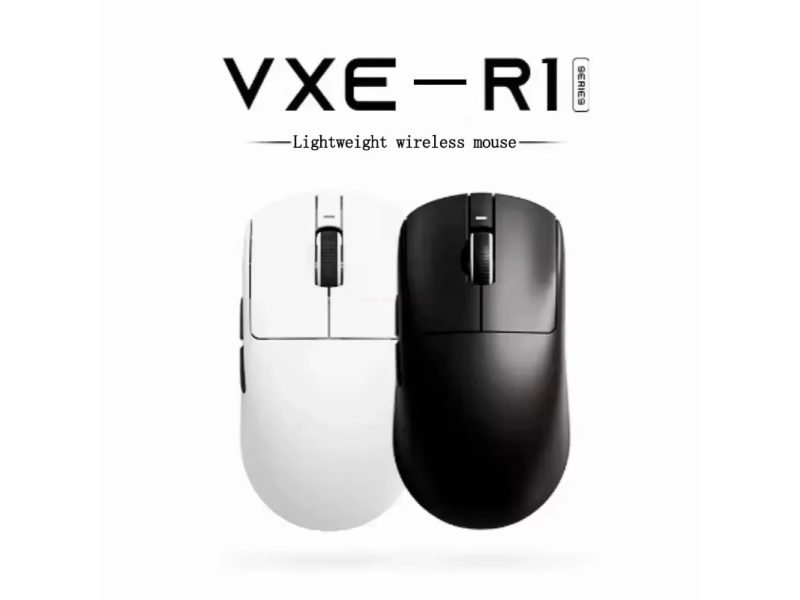
1. VXE Dragonfly R1 Pro Max — Best Value Pick (~$29)
If your budget is tight, the VXE Dragonfly R1 Pro Max is the easiest recommendation on this list. At $29, you get the same PAW3395 sensor found in mice three times the price, a 2KHz polling rate out of the box, and a clean 59g symmetrical build in four colors.
The trade-offs are minor: side buttons are a bit small, and the 4K receiver is sold separately. But for under $30, nothing else comes close to this level of performance. FPS gamers on a tight budget should start here.
Best for: Budget buyers, FPS gamers, claw and fingertip grip users
Not ideal for: Left-handed users, MMO players needing more buttons
- Sensor: PAW3395 — 26,000 DPI / 650 IPS
- Weight: ~59g
- Polling Rate: 2000Hz (2KHz)
- Connectivity: 2.4GHz + Bluetooth
- Battery: 800mAh / USB-C
- Colors: White / Black / Purple / Orange
👉 Read our full VXE Dragonfly R1 Pro Max review
👉 Check Current Price → AliExpress
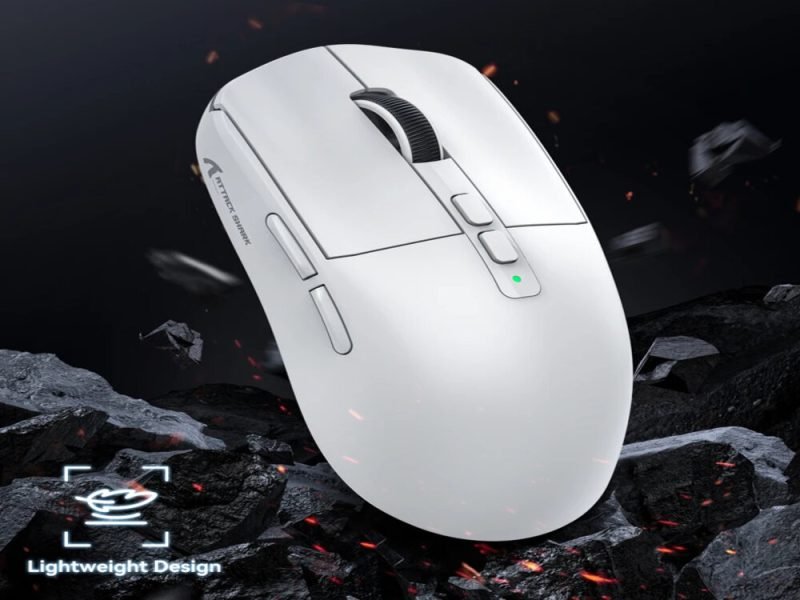
2. Attack Shark X6 — Best Battery Life (~$42)
The Attack Shark X6 stands out from every other mouse on this list with one feature: a magnetic RGB charging dock and 200 hours of battery life. Drop it on the dock at the end of the day and it’s always ready — no cables to plug in, no battery anxiety.
Beyond the charging system, you get the PAW3395 sensor in a 49g solid shell with tri-mode connectivity (2.4GHz, Bluetooth 5.2, and USB-C wired). The X6 is the pick for anyone who values convenience and desk setup aesthetics alongside solid performance.
Best for: Users who want set-and-forget charging, multi-device users, desk setup enthusiasts
Not ideal for: Competitive players who need 4K+ polling
- Sensor: PAW3395 — 26,000 DPI / 650 IPS
- Weight: 49g
- Polling Rate: 1000Hz
- Connectivity: 2.4GHz + Bluetooth 5.2 + USB-C Wired
- Battery: 200 hours / Magnetic dock
- Switch: HUANO Pink Dots (80M clicks)
- Colors: Black / White
👉 Read our full Attack Shark X6 review
👉 Check Current Price → AliExpress
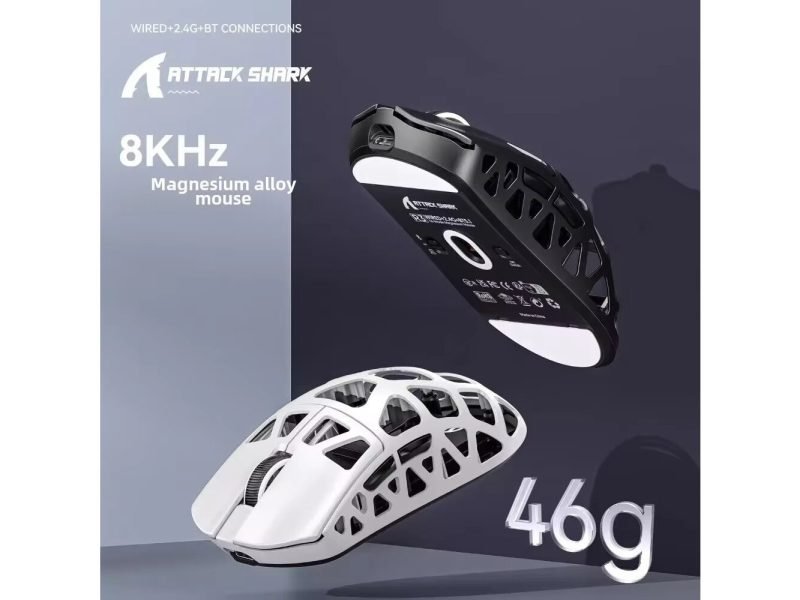
3. Attack Shark R3 — Best Performance Pick (~$49)
The Attack Shark R3 is the performance king of this list. A 46g magnesium alloy body, PAW3395 sensor, and 8KHz polling rate — specs you’d normally pay $100+ for. If you play competitive FPS games and want the best possible performance under $50, the R3 is the answer.
The magnesium alloy build makes it the most premium-feeling mouse here, and the ambidextrous shape works for both right and left-handed users. The main trade-offs are no RGB and only 5 buttons — neither matters much for competitive gaming.
Best for: Competitive FPS gamers, users who want 8KHz polling, ambidextrous users
Not ideal for: MMO players, RGB enthusiasts
- Sensor: PAW3395 — 26,000 DPI / 650 IPS
- Weight: 46g
- Polling Rate: 8000Hz (8KHz)
- Connectivity: 2.4GHz + Bluetooth + USB-C Wired
- Switch: Kailh GM 8.0 (80M clicks)
- Build: Magnesium alloy
- Hands: Both
👉 Read our full Attack Shark R3 review
👉 Check Current Price → AliExpress
Which One Should You Buy?
Choose the VXE Dragonfly R1 Pro Max if:
- Your budget is under $30
- You want the best price-to-performance ratio
- You play FPS games and need accurate fast tracking
Choose the Attack Shark X6 if:
- Battery life and charging convenience matter most
- You switch between PC, Mac, and phone
- You want a clean desk setup with a magnetic dock
Choose the Attack Shark R3 if:
- You play competitive FPS at high framerates
- You want 8KHz polling and a premium build
- You’re left or right-handed
Frequently Asked Questions
What is the best gaming mouse under $50 in 2026?
All three mice on this list use the PAW3395 sensor — one of the best available at any price. The best pick depends on your priority: budget (VXE), battery (X6), or performance (R3).
Is AliExpress safe for buying gaming mice?
Yes, for established brands like Attack Shark and VXE. Check seller ratings and reviews before ordering. Shipping typically takes 2–4 weeks.
Does polling rate matter for casual gaming?
At 1000Hz, no — it’s more than enough for casual gaming. At 2KHz or 8KHz, the difference is noticeable in competitive FPS games at high framerates.
Which mouse is best for FPS games?
The Attack Shark R3 for serious competitive play (8KHz polling), or the VXE Dragonfly R1 Pro Max for great FPS performance at the lowest price.
Can I use these mice on Mac?
Yes. All three work on Windows, Mac, and Android via Bluetooth or 2.4GHz without requiring drivers.
Disclosure: This page contains affiliate links. If you purchase through our links, we may earn a small commission at no extra cost to you.
 English