
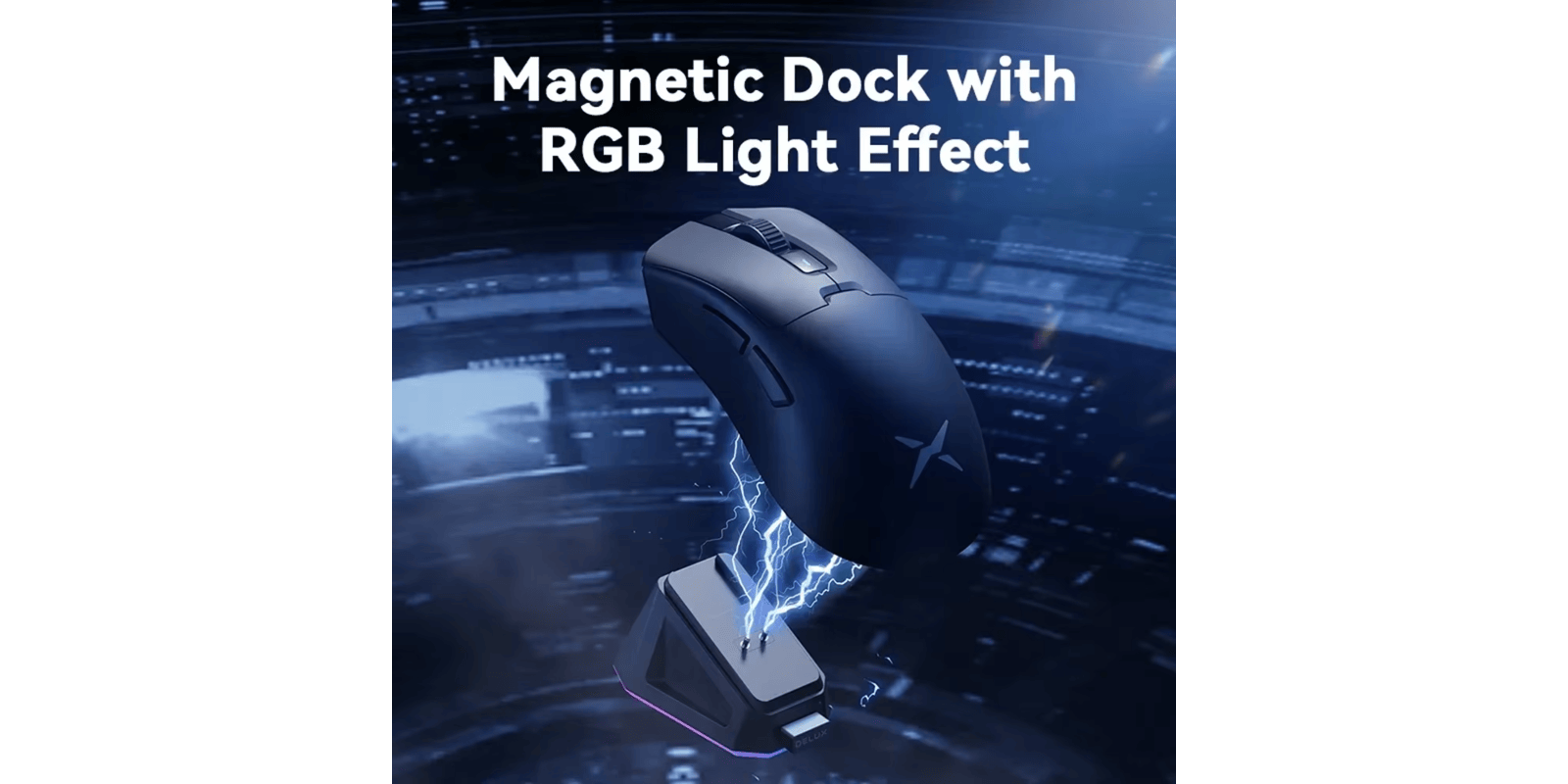

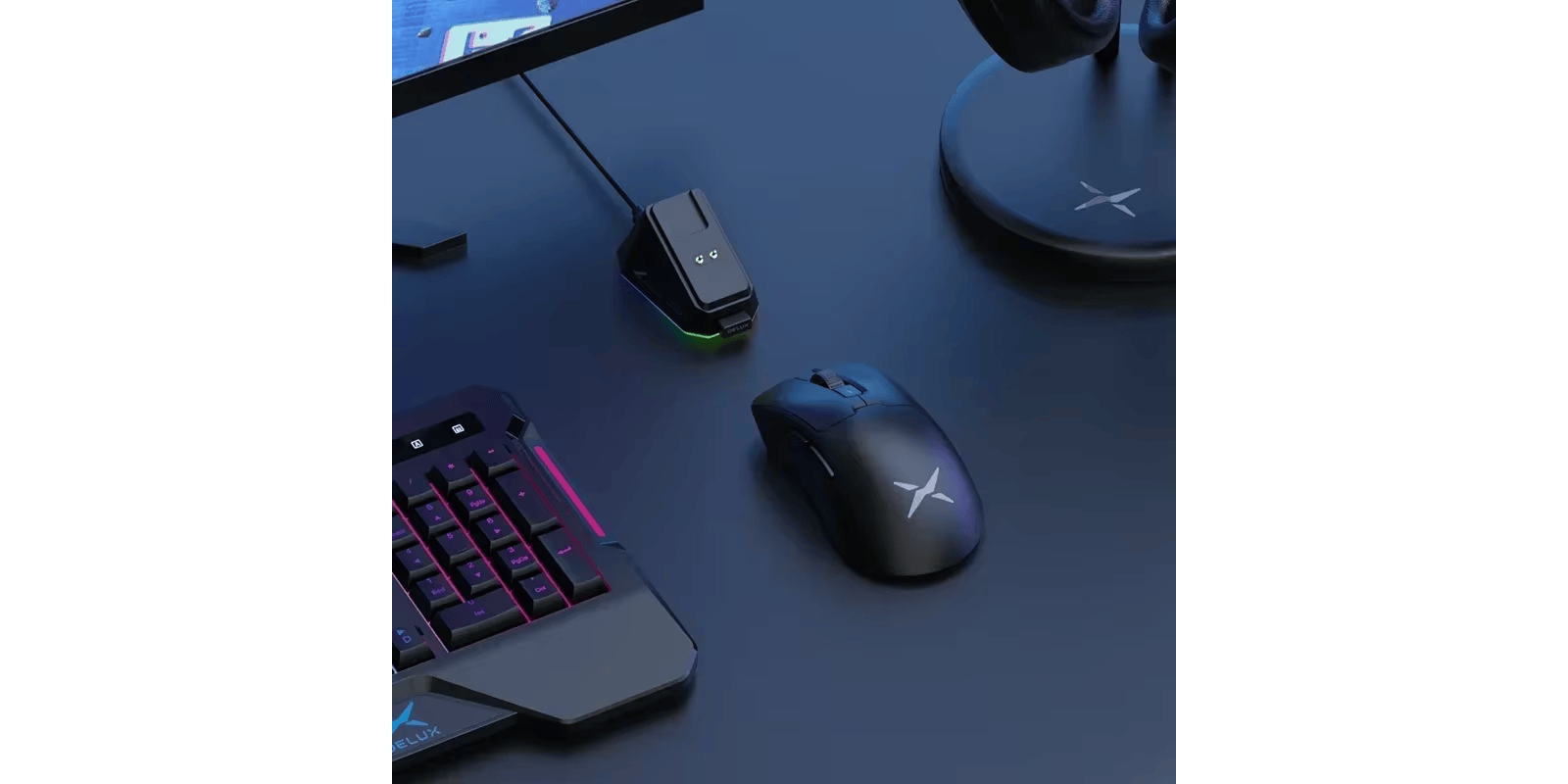

The Delux M900PRO is a high-performance wireless gaming mouse designed for right-handed gamers with larger hands. It features the top-tier PAW3395 sensor, ultra-fast 8000Hz polling rate, and a lightweight 63g ergonomic design. With a magnetic RGB charging dock and responsive Huano switches, it offers a seamless and comfortable gaming experience, although some users report minor quality control issues. Don't forget the discount code : SPECIAL2
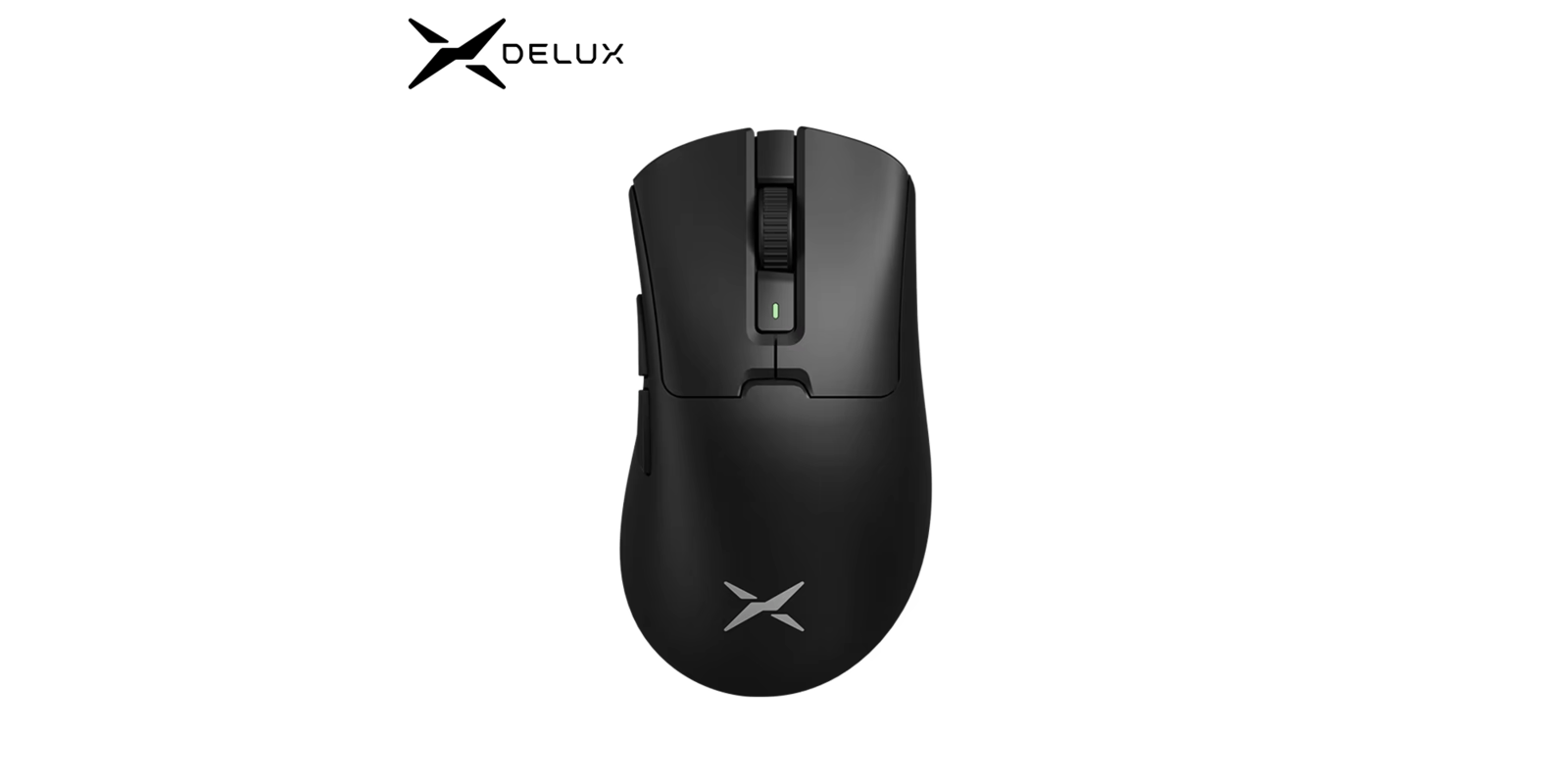
If you’re looking for a premium wireless gaming mouse under $50, the Delux M900 Pro keeps coming up. PAW3395 sensor, 8KHz polling rate, magnetic RGB charging dock, and a 63g ergonomic build — specs that normally cost $100+. But is it worth it? Let’s find out.
Delux M900 Pro Review: Quick Verdict
The Delux M900 Pro is one of the best ergonomic wireless gaming mice under $50. You get a PAW3395 sensor, 8KHz polling rate, magnetic RGB dock, and a comfortable 63g design built for right-handed users with medium to large hands. The main trade-offs are Windows-only software and a small 400mAh battery. If those don’t bother you, this mouse is exceptional value.
Best for: Competitive FPS gamers, palm and claw grip users, right-handed users with large hands
Not ideal for: Left-handed users, Mac users needing full customization, fingertip grip users
👉 Check Current Price → Delux Official Store
Delux M900 Pro Specs
| Spec | Details |
|---|---|
| Sensor | PAW3395 Optical |
| Weight | 63g ±3g |
| Polling Rate | Up to 8000Hz (8KHz) |
| Max DPI | 26,000 |
| Tracking Speed | 650 IPS |
| Acceleration | 50G |
| Switches | Huano Pink Dot Microswitches |
| Battery | 400mAh / USB-C |
| Connectivity | 2.4GHz Wireless + USB-C Wired |
| LOD | 1mm/2mm Adjustable |
| Buttons | 6 programmable |
| Colors | Black / White / Red |
| Compatibility | Windows 8/10/11 |
| Warranty | 1 Year |
Design and Build Quality
The M900 Pro has a clean asymmetrical ergonomic shape built specifically for right-handed users with medium to large hands. The contoured design supports both palm and claw grip styles comfortably, with textured side grips that prevent slipping during intense sessions.
At 63g, it sits in the lightweight category without going ultra-light. The build feels solid — no flex, no creaking. Buttons don’t wobble, and the scroll wheel has satisfying tactile feedback. The package includes grip tape, extra PTFE feet, and a USB-C cable, which is excellent value at this price.
Important: this mouse is designed for right-handed users only. Not suitable for left-handed users or those with small hands.
Performance and Sensor
The PAW3395 is the same sensor found in flagship mice from Razer and Logitech. Tracking is flawless across all surfaces — accurate, smooth, and free of acceleration issues. Combined with Huano Pink Dot Microswitches, every click feels crisp and consistent.
The 8KHz Polling Rate — Does It Matter?
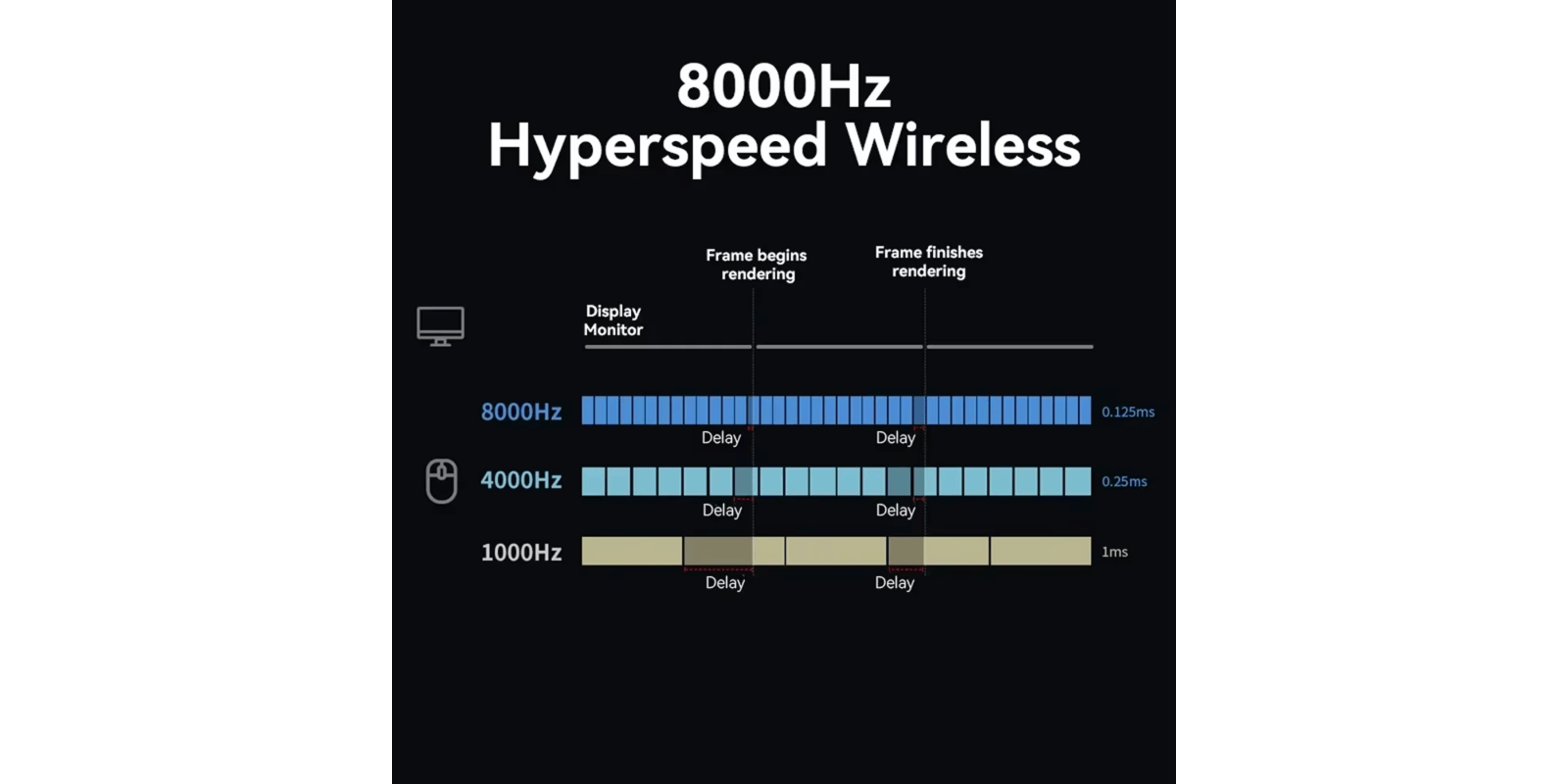
Standard gaming mice run at 1000Hz. The M900 Pro supports up to 8000Hz, reducing input latency to just 0.125ms — 8 times faster than standard mice.
For casual gamers, 1000Hz is fine. But if you play competitive FPS at high framerates, 8KHz reduces micro-stuttering noticeably. The difference is real in games like Valorant and CS2 where micro-adjustments matter.
Connectivity and Latency
The M900 Pro uses 2.4GHz wireless with a nano receiver — connection is rock solid with zero perceptible latency. Wired mode via USB-C gives zero latency and continuous power. There’s no Bluetooth, which means you can’t switch to a second device easily, but for dedicated gaming this isn’t an issue.
Battery Life
The 400mAh battery provides approximately 60-70 hours of use with RGB disabled, or around 40 hours with lighting on. The magnetic RGB charging dock is the standout feature here — simply place the mouse on the dock and it charges automatically. A quick 10-minute charge gives several hours of gaming.
Pros and Cons
Pros:
- PAW3395 sensor — same as flagship mice
- 8KHz polling rate for minimal input lag
- Magnetic RGB charging dock included
- Comfortable ergonomic shape for large hands
- 63g lightweight build
- Huano Pink Dot switches (premium feel)
- Adjustable LOD (1mm/2mm)
- Grip tape + extra feet included
Cons:
- Right-handed only
- Windows-only software
- Small 400mAh battery
- DPI button located underneath
- Some units reported scroll wheel issues
Delux M900 Pro vs Competitors
| Feature | Delux M900 Pro | Attack Shark R3 | VXE Dragonfly R1 Pro Max |
|---|---|---|---|
| Price | ~$49 | ~$49 | ~$29 |
| Sensor | PAW3395 | PAW3395 | PAW3395 |
| Weight | 63g | 46g | 59g |
| Polling Rate | 8KHz | 8KHz | 2KHz |
| Charging | Magnetic Dock | USB-C | USB-C |
| Shape | Ergonomic | Symmetrical | Symmetrical |
The M900 Pro wins on ergonomics and charging dock. If you want a lighter symmetrical mouse, check our Attack Shark R3 review.
Who Should Buy It?
Buy it if:
- You have medium to large hands and prefer ergonomic shapes
- You play Valorant, CS2, Apex Legends, or Overwatch
- You want 8KHz polling with a magnetic charging dock
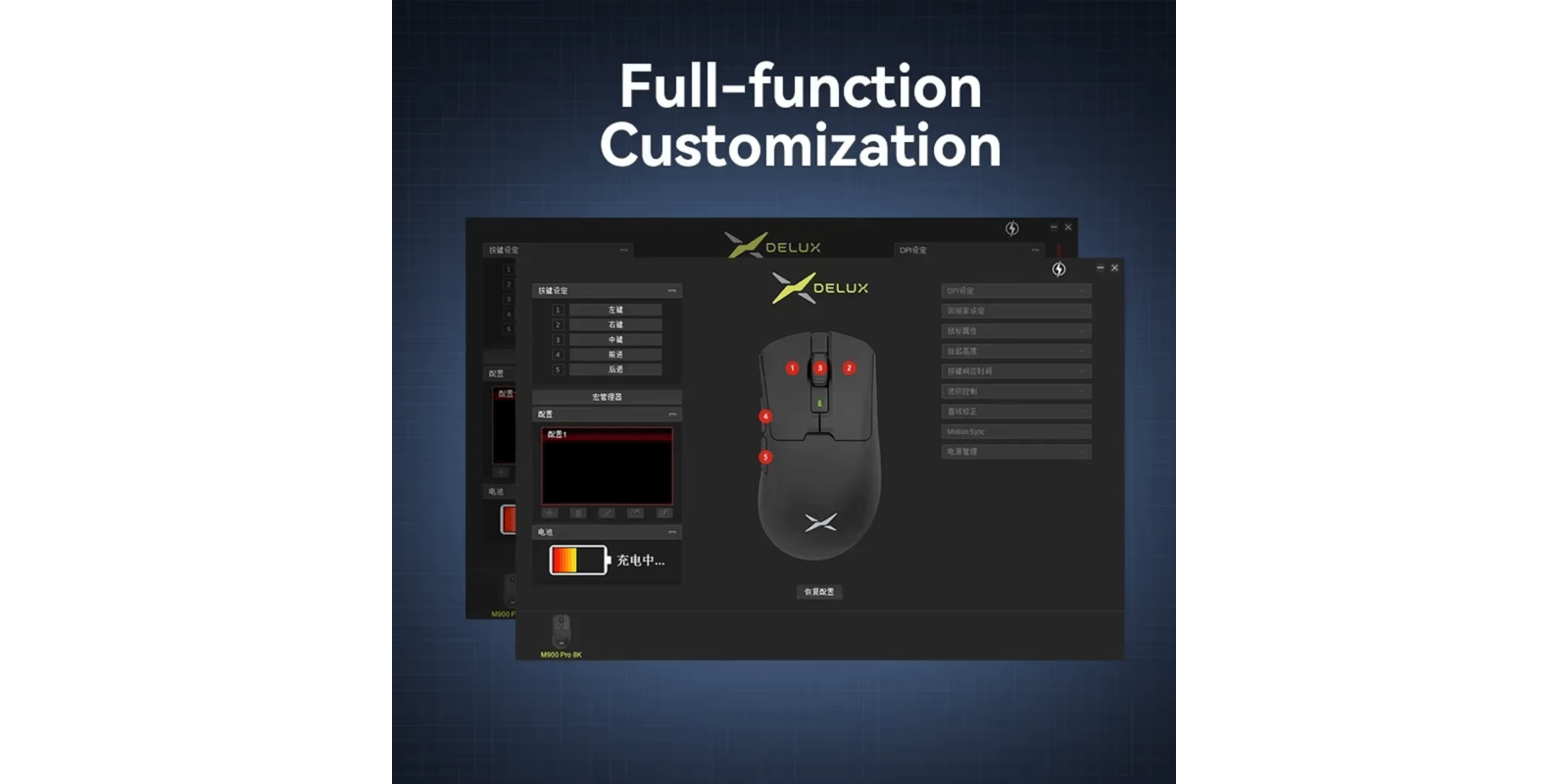
- You use Windows and want full software customization
Skip it if:
- You’re left-handed
- You use Mac and need full software support
- You prefer ultra-lightweight mice under 50g
- You need fast delivery
Final Rating
| Category | Score |
|---|---|
| Tracking Accuracy | 4.6/5 |
| Responsiveness | 4.5/5 |
| Build Quality | 4.3/5 |
| Ergonomics | 4.4/5 |
| Battery Life | 4.2/5 |
| Value for Money | 4.2/5 |
| Overall | 4.4/5 |
The Delux M900 Pro delivers flagship sensor performance with a premium magnetic charging dock at a budget price — best ergonomic wireless mouse under $50 in 2026.
👉 Check Current Price → Delux Official Store
Frequently Asked Questions
Is the Delux M900 Pro good for FPS games?
Yes. The PAW3395 sensor and 8KHz polling rate make it one of the best budget options for competitive FPS gaming.
Is it compatible with Mac?
It works as a basic input device on macOS, but the customization software is Windows-only. You won’t be able to adjust DPI or RGB on Mac.
Can I use it while charging?
Yes, via USB-C wired mode. However, you cannot use it while on the magnetic dock.
How do I pair the 2.4GHz receiver?
Press and hold the DPI button on the bottom for 3 seconds until the indicator flashes green, then plug in the receiver.
Is the Delux M900 Pro worth it?
At ~$49, absolutely. PAW3395 sensor, 8KHz polling, and magnetic RGB dock — premium features at budget pricing.
Disclosure: This page contains affiliate links. If you purchase through our links, we may earn a small commission at no extra cost to you.

 English